
|
|
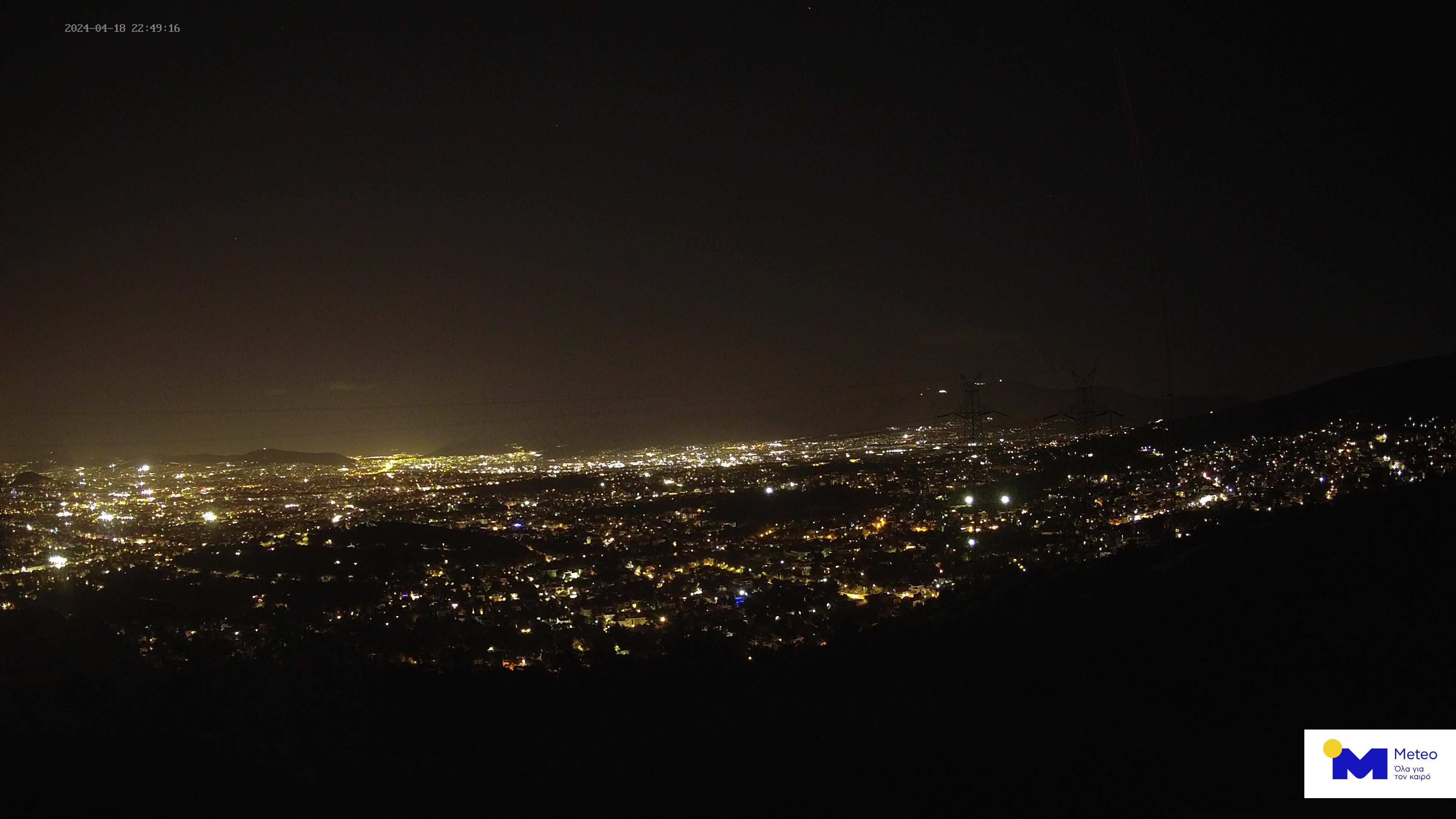
Live εικόνα Αθήνας από το Αστεροσκοπείο Πεντέλης
 Σχεδόν αίθριος  13 °C 13 °C
 42% 42%
|
 ΑΡΧΙΚΗ ΑΡΧΙΚΗ
|
pentelikonews.gr  Τεχνολογία Τεχνολογία |
Προσαρμοσμένη αναζήτηση

|


|
|
Rehost image extension για τον Google Chrome
Ημερομηνία: 21/6/2011, 15:01 - Εμφανίσεις: 325 Ένα δημοφιλές extension που είχαμε ως τώρα συναντήσει μόνο για τον Firefox, είναι από σήμερα διαθέσιμο και για τον Chrome, δημιουργημένο δια... δικού μας χειρός.  Το "Rehost image" επιτρέπει με μια κίνηση να φιλοξενήσετε μια εικόνα σε μια υπηρεσία δωρεάν φιλοξενίας εικόνων, αντιγράφοντας αυτόματα το URL της στο πρόχειρο του υπολογιστή σας, ώστε στη συνέχεια να την προσθέσετε στο άρθρο σας. Αποφεύγετε δηλαδή τη διαδικασία του κατεβάσματος της εικόνας στο δίσκο σας και του ξανανεβάσματος. Συγκεκριμένα, μετά την εγκατάσταση αυτού του extension στον Chrome, όταν κάνετε δεξί κλικ πάνω σε μια εικόνα θα εμφανίζεται μια νέα επιλογή "Rehost image and copy URL". Η εικόνα θα ανεβαίνει στην υπηρεσία imgur.com και το URL της θα μπαίνει αυτόματα στο πρόχειρο του υπολογιστή σας, ώστε στη συνέχεια να μπορείτε να κάνετε επικόλλησή της σε οποιοδήποτε site. Το extension μπορείτε να το εγκαταστήσετε από το ακόλουθο link: Chrome Rehost image extension Παράθεση This extension adds a right click option to rehost an image to a free image hosting service and copy its URL to your clipboard. If you have used the "Rehost image" extension for Firefox, then you are familiar as this one works exactly the same way. There are many cases you want to add an image to your article, but you don't want to hotlink it from the original site and you don't have the time to download it to your hard disk, upload it to your site or to a free hosting service and then add it in your text. This extension simplifies the process. You right click on an image, you select "Rehost image and copy URL" and the image is automatically uploaded to the free hosting service imgur.com Also, the exact URL of the image (http://i.imgur.com/imagename.jpg) is copied to your clipboard, so you can paste it in your article.  Πηγή: techteam.gr link
|
DRONE VIDEOS
Drone videos από πολλές περιοχές της Ελλάδας.
Τα πιο πρόσφατα: · Θεσσαλονίκη · Καλαμάτα · Λουτράκι · Λίμνη Στράτου · Αγρίνιο · Τρίκαλα · Μετέωρα » Περισσότερα |
















 Γέφυρα Ρίου - Αντιρρίου: Δείτε πώς κατασκευάστηκε η μεγαλύτερη καλωδιωτή γέφυρα του κόσμου


 Ειδήσεις
Ειδήσεις από το Αθηναϊκό Πρακτορείο Ειδήσεων
 Copyright 2010-2026 © pentelikonews.gr